Employee productivity reports and analytics
Generate employee productivity reports with app usage, browser activity, idle time, screenshots, attendance, and project-level analytics.
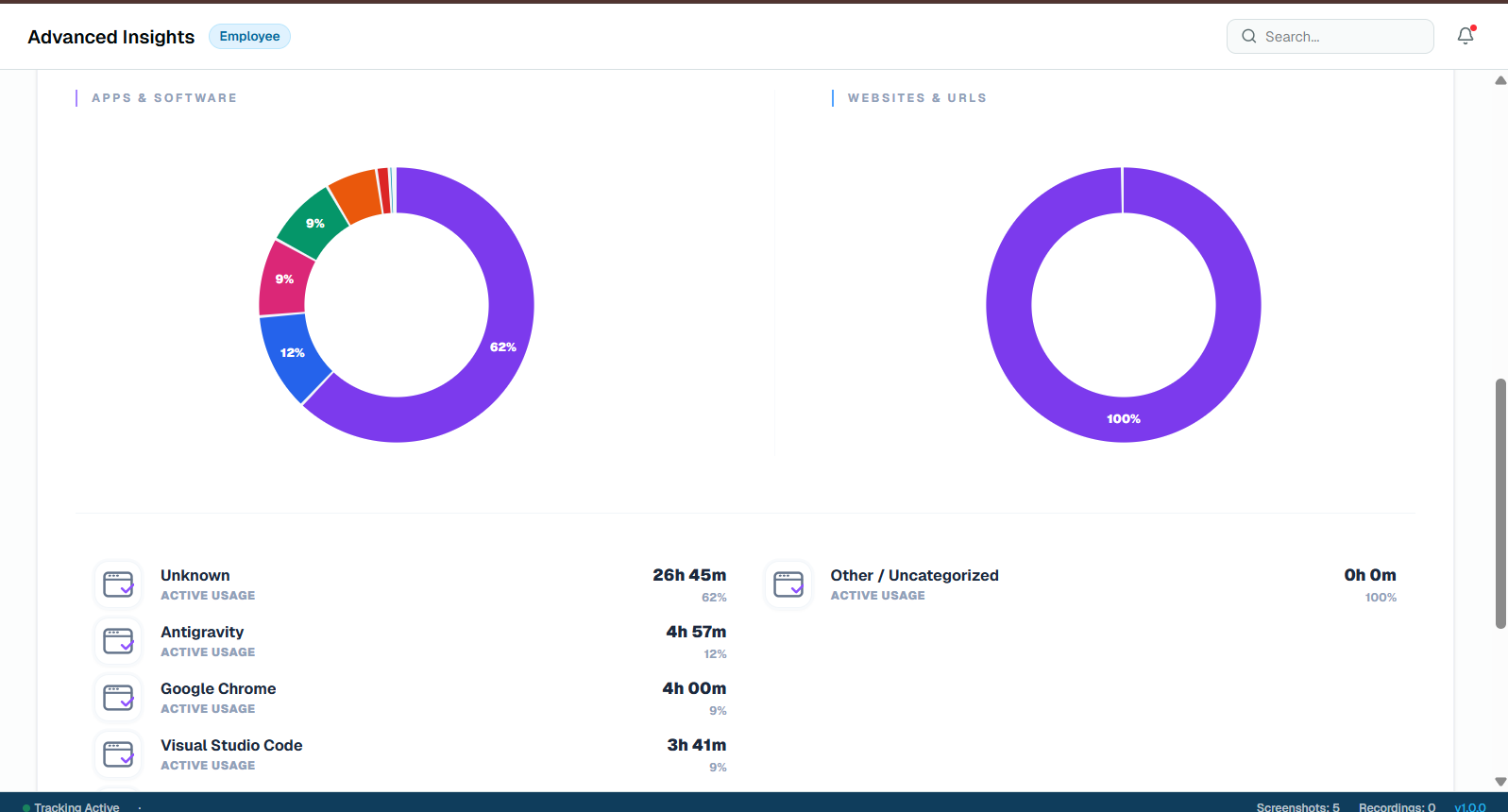
Reports managers can act on
Tracker 29 combines time, activity, attendance, and media context so managers can review productivity trends with fewer manual reports.
From individual detail to team trends
Analytics can be reviewed at employee, team, project, and organization level, helping teams spot bottlenecks and improve planning.
Frequently asked questions
What reports are available?
Reports include productivity, app usage, browser activity, attendance, idle time, screenshots, recordings, and project-level time data.
Can reports be used for client billing?
Yes. Project timers, worksheets, screenshots, and activity records can support billing and work-proof reviews.
Related features
Productivity Tracker
Track employee work hours, activity levels, app usage, attendance, and productivity trends with Tracker 29. Start with a free plan for up to 10 seats.
Floating Timer
Use an always-available desktop floating timer to start work, pause, take breaks, and track employee time without interrupting focus.
Free API Access
Use Tracker 29 API access to connect employee productivity, attendance, app usage, screenshot, and reporting data with your internal tools.
Screenshot Access
Review employee screenshots from a secure dashboard with timestamps, session context, capture counts, retention controls, and manager-friendly proof of work.
Ready to Get Started
Ready to boost your team's productivity?
Join thousands of teams that track smarter, not harder. Choose a plan and get your workforce intelligence platform running in minutes.
Simple setup · Dedicated support · Cancel anytime